Learn Photography
Learn the Photography Basics
If you have just gotten your camera and want to learn photography, our FREE 9-part course on photography basics for beginners is just what you need.
Photography Challenges
If you’ve had your camera for a while and already have some experience using it, then you’ll then want to get our FREE e-book, 10 Photography Challenges, to help you get out and practice.
Learn About Photo Editing
Learn how to use photo editing software programs and apps such as Luminar Neo, Luminar AI, Lightroom, Photoshop and Topaz. Video tutorials and detailed examples of photo editing.
Master Your Photo Editing Skills
Enroll in one of our photo editing courses: Luminar Neo, Lightroom or Photoshop.

Luminar Neo Training
Whether you’re brand new to editing, have used older versions of Luminar, or want to add Luminar Neo into your workflow as a plugin – this course can help you set yourself up for success.
You’ll gain confidence in your photo editing abilities, speed up your workflow and create stunning images after completing Luminar Neo – the Complete Course.

Learn Lightroom Classic
Learn how to use Lightroom Classic photo editing software in this Lightroom for Photographers: The Complete Course. The lessons in this course, collectively become the ULTIMATE Lightroom tutorial and guide.
From start to finish, this Lightroom course will help both beginners and experienced users alike to easily learn and understand how to use Lightroom.

Photoshop for Beginners
With over 12 hours of instruction, Photoshop for Photographers: The Complete Course is the end to end guide for creative photo editing use the Adobe product.
If you want to learn how to use Photoshop, by itself, or in combination with Lightroom or Luminar Neo, this course is perfect for you.
Designed with beginners in mind.
Kind words from students
Thousands of students from around the world have improved their photography skills and benefited from my tutorials and courses.
Darlene you have an incredible amount of patience with everyone, most definitely meant to teach. I feel inspired to keep learning.

Stacey Oviatt
StudentDarlene creates a relaxed atmosphere for learning, sharing and pushing your boundaries. I’d recommend her in a heartbeat.

Gee
Photo Tour ParticipantNot every good photographer is a good teacher however, in my opinion Darlene has both fields covered very well.

Pete Seerden
Student / Private tutoringYou’re Not Learning Alone
All course enrollments includes access to a private student community. Not a Facebook group. A safe, quiet space away from social media where you can ask questions, get help from Darlene and fellow students, and share your progress without worrying about judgment.
This is one of the things students tell us they value most. Having real people to learn alongside makes the difference between watching tutorials and actually improving.
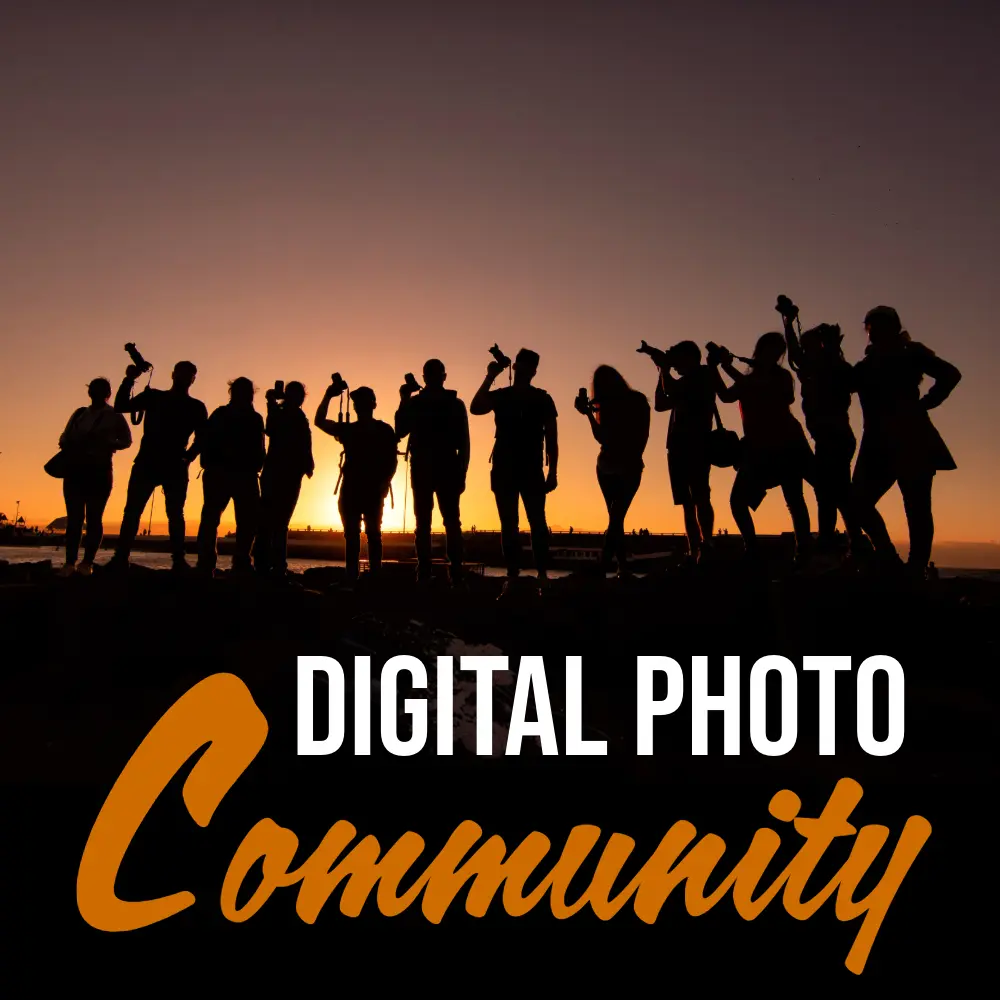
Want even more? Our Gold community membership adds weekly live Zoom calls with Darlene, recorded webinars, monthly photography challenges with prizes, and a deeper level of connection with fellow photographers. It’s completely optional, and available anytime after you enroll.

I wasn’t sure about joining at first, but becoming a member was the right decision. Darlene’s supportive mentoring, the welcoming community, valuable learning resources, and regular Zoom sessions have helped me grow my photography skills, confidence, and friendships while making the learning process enjoyable and rewarding.
Steve Fagan, NSW, Australia
I’ve joined photography groups before, but this community is different. The supportive, distraction-free environment, creative photo challenges, Photo Edit Together sessions, and expert webinars have helped me learn, grow, and step outside my comfort zone while connecting with other passionate photographers.
Cindy van der Velde, Nevada, USA

What is Quality of Light in Photography and How to Use it to Take Better Photos
Why do some photos feel alive and others fall flat? It comes down to one variable most photographers misread: the apparent size of your light source. See it, and you’ll shoot better in any light.
Continue Reading What is Quality of Light in Photography and How to Use it to Take Better Photos
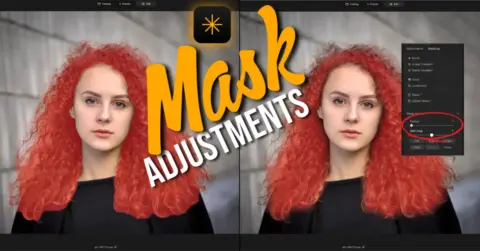
How to Fix Masking Halos in Luminar Neo with Feather and Shift Edge
Fix the halo. Blend the edge. Get the result you wanted. Luminar Neo’s new Feather and Shift Edge sliders let you refine any mask after you’ve made it. No repainting. No starting over. Just cleaner edits.
Continue Reading How to Fix Masking Halos in Luminar Neo with Feather and Shift Edge

Taking Candid Photos at Home – 6 Tips for Capturing Memories
Your home holds stories worth capturing. Learn how to photograph the moments that matter most, from everyday rituals to family milestones, using simple techniques Darlene shares from 16 years of at-home family sessions.
Continue Reading Taking Candid Photos at Home – 6 Tips for Capturing Memories

Top 9 Settings to Reset on your Camera After Every Use
Nine settings you want to check on your camera before you put it away, to prevent disappointment next time you do any photography.
Continue Reading Top 9 Settings to Reset on your Camera After Every Use

Can Mindfulness Make Your Photos Better?
In this article, you’ll learn how you can apply mindfulness to your photography to help you take better photos.

How to Buy a Camera Tripod: Stress-Free Guide
Stress free tips to to help you when choosing a tripod to purchase. Different features explained. Things to look for, and what pitfalls to avoid.
Continue Reading How to Buy a Camera Tripod: Stress-Free Guide